mirror of
https://github.com/CCExtractor/ccextractor.git
synced 2026-09-22 23:04:57 +00:00
[BUG] CCExtractorGUI 8.5 does not work on a video file with MPEG-TS container #315

Reference in New Issue
Block a user
Delete Branch "%!s()"
Deleting a branch is permanent. Although the deleted branch may continue to exist for a short time before it actually gets removed, it CANNOT be undone in most cases. Continue?
Originally created by @edr1 on GitHub (Jul 14, 2017).
Hello there,
Please, I have a video file with MPEG-TS format (Transport Stream) and 2 text streams with closed caption data embedded into the file (EIA 608 / EIA 708), but unfortunately the CCExtractorGUI is not able to extract the closed caption data because the program seems to stuck in 0% with a message:
"Found large gap(4874420) in PTS! Trying to recover ..."
The command line with all parameters set in the GUI is as follow:
C:\Program Files (x86)\CCExtractor\ccextractorwin.exe --gui_mode_reports -in=ts -autoprogram -out=txt -bom -utf8 [+input files]
testTS_subtitles_RTMP_2.zip
The activity messages are:
Input: E:\IMEX\POC\TVGLOBO\NEWMEDIA_STREAM_MEDIAELEMENT\TEST_ELEMENTAL_2103\testTS_subtitles_RTMP_1.ts
[Extract: 1] [Stream mode: Transport]
[Program : Auto ] [Hauppage mode: No] [Use MythTV code: Auto]
[Timing mode: Auto] [Debug: No] [Buffer input: Yes]
[Use pic_order_cnt_lsb for H.264: No] [Print CC decoder traces: Yes]
[Target format: .txt] [Encoding: UTF-8] [Delay: 0] [Trim lines: No]
[Add font color data: Yes] [Add font typesetting: Yes]
[Convert case: No] [Video-edit join: No]
[Extraction start time: not set (from start)]
[Extraction end time: not set (to end)]
[Live stream: No] [Clock frequency: 90000]
[Teletext page: Autodetect]
[Start credits text: None]
Opening file: E:\IMEX\POC\TVGLOBO\NEWMEDIA_STREAM_MEDIAELEMENT\TEST_ELEMENTAL_2103\testTS_subtitles_RTMP_1.ts
Analyzing data in general mode
Creating E:\IMEX\POC\TVGLOBO\NEWMEDIA_STREAM_MEDIAELEMENT\TEST_ELEMENTAL_2103\testTS_subtitles_RTMP_1.txt
Found large gap(4874420) in PTS! Trying to recover ...
Please find attached the video file with MPEG-TS format to take a look at your side and screen shoots with media information and VLC showing the subtitle tracks with closed caption 1:
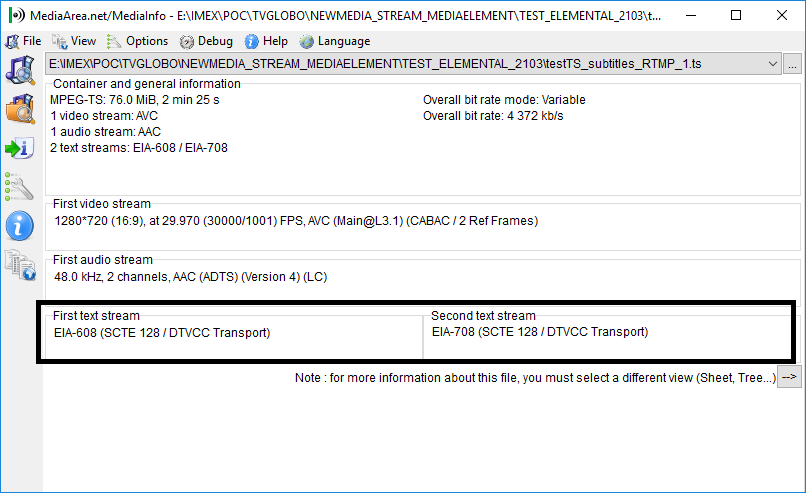
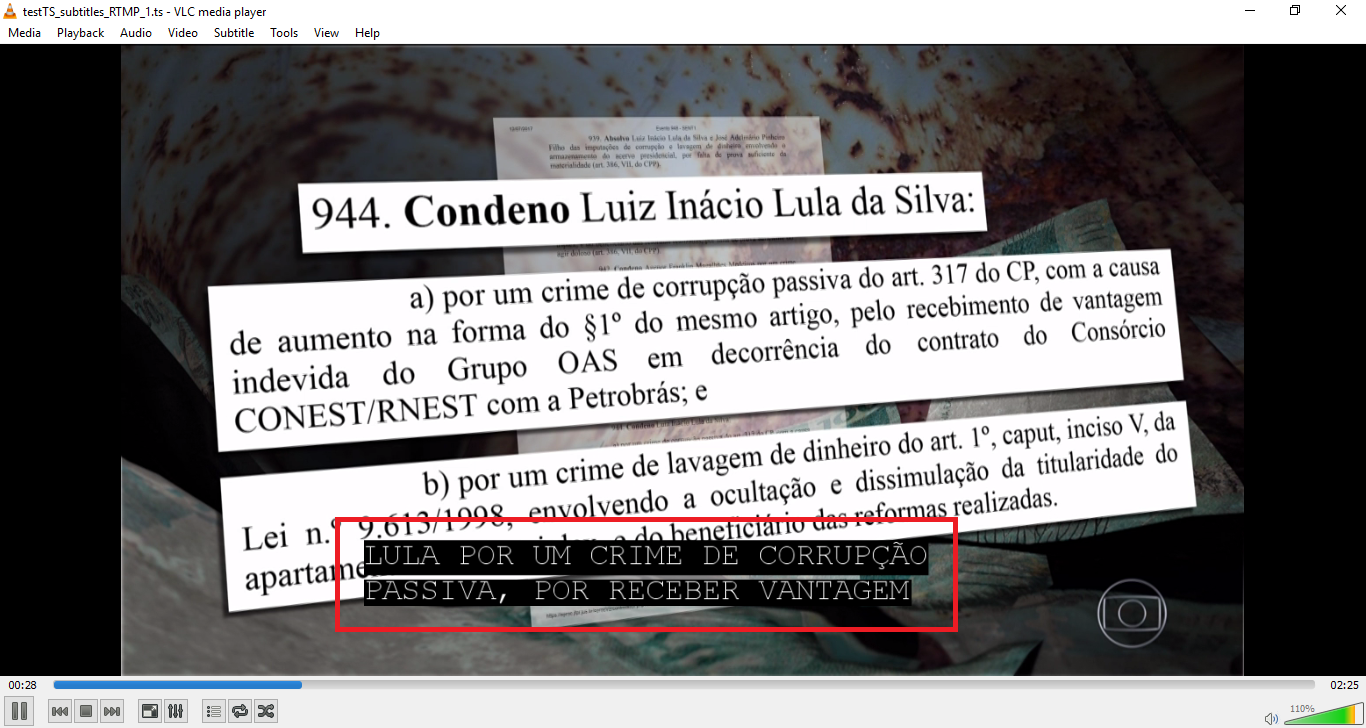
. Could you give some directions in order to find out the issue?
Thank you very much
Erick Delgado