[](https://github.com/decaf-emu/decaf-emu/actions?workflow=C%2FC%2B%2B+CI)
# decaf-emu
Researching Wii U emulation. Licensed under the terms of the GNU General Public License, version 3 or later (GPLv3+).
You can find us for developer discussion:
- on discord using https://discord.gg/tPqFBnr
## Requirements
- Windows with Visual Studio 2019 or newer
- Linux with a modern C++17 friendly compiler
- 64 bit only
- CMake v3.2+
- Vulkan 1.1.106.0+
## Support
- None, this is an in-development project and user support is not provided.
## Binaries
The latest Windows binaries are available via [Actions artifacts](https://github.com/decaf-emu/decaf-emu/actions).
Linux binaries are not provided.
## Running
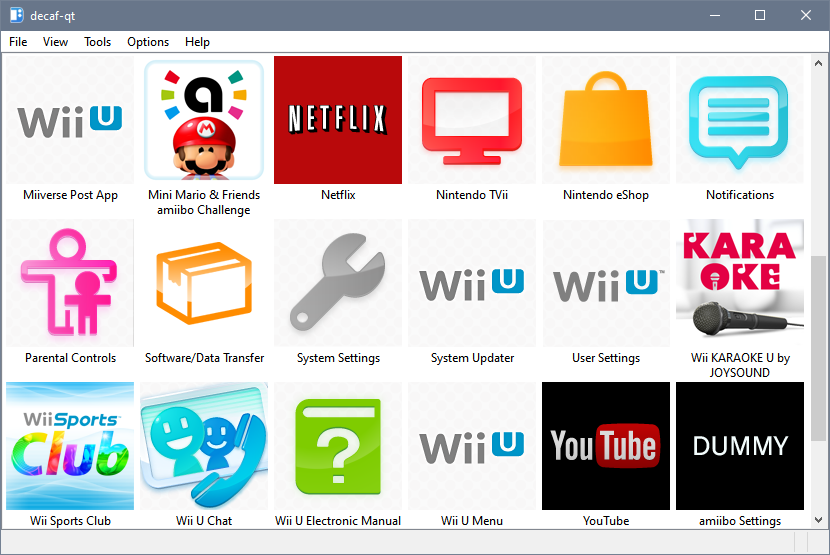
Run the `decaf-qt` executable, it is recommended to run the emulator from the root git directory so that it is able to access `resources/fonts/*`. Alternatively, set `resources_path` in the configuration file to point to the resources directory.
Configuration files can be found at:
- Windows - `%APPDATA%\decaf`
- Linux - `~/.config/decaf`
On Linux, a "Bus error" crash usually indicates an out-of-space error in the temporary directory. Set the `TMPDIR` environment variable to a directory on a filesystem with at least 2GB free.
Additionally there is an SDL command line application which can be used by `./decaf-sdl play `
## Building from Source
See [BUILDING.md](BUILDING.md)