<!-- Enter a brief description/summary of your PR here. What does it fix/what does it change/how was it tested (even manually, if necessary)? -->
## Summary of the Pull Request

Fix typos found by codespell. Some of it in documentation and user-visible text, mostly in code comments. While I understand you might not be interested in fixing code comments, one of the reasons being extra noise in git history, kindly note that most spell checking tools do not discriminate between documentation and code comments. So it's easier to fix everything for long maintenance.

<!-- Other than the issue solved, is this relevant to any other issues/existing PRs? -->
## References

<!-- Please review the items on the PR checklist before submitting-->
## PR Checklist
* [ ] Closes #xxx
* [X] CLA signed. If not, go over [here](https://cla.opensource.microsoft.com/microsoft/Terminal) and sign the CLA
* [x] Tests added/passed
* [X] Documentation updated. If checked, please file a pull request on [our docs repo](https://github.com/MicrosoftDocs/terminal) and link it here: [#501](https://github.com/MicrosoftDocs/terminal/pull/501)
* [ ] Schema updated.
* [ ] I've discussed this with core contributors already. If not checked, I'm ready to accept this work might be rejected in favor of a different grand plan. Issue number where discussion took place: #xxx

<!-- Provide a more detailed description of the PR, other things fixed or any additional comments/features here -->
## Detailed Description of the Pull Request / Additional comments

<!-- Describe how you validated the behavior. Add automated tests wherever possible, but list manual validation steps taken as well -->
## Validation Steps Performed

I have checked and re-checked all changes.
This PR adds a sample monarch/peasant application. This is a type of
application where a single "Monarch" can coordinate the actions of multiple
other "Peasant" processes, as described by the specs in #7240 and #8135.
This project is intended to be a standalone sample of how the architecture would
work, without involving the entirety of the Windows Terminal build. Eventually,
this architecture will be incorporated into `wt.exe` itself, to enable scenarios
like:
* Run `wt` in the current window (#4472)
* Single Instance Mode (#2227)
For an example of this sample running, see the below GIF:
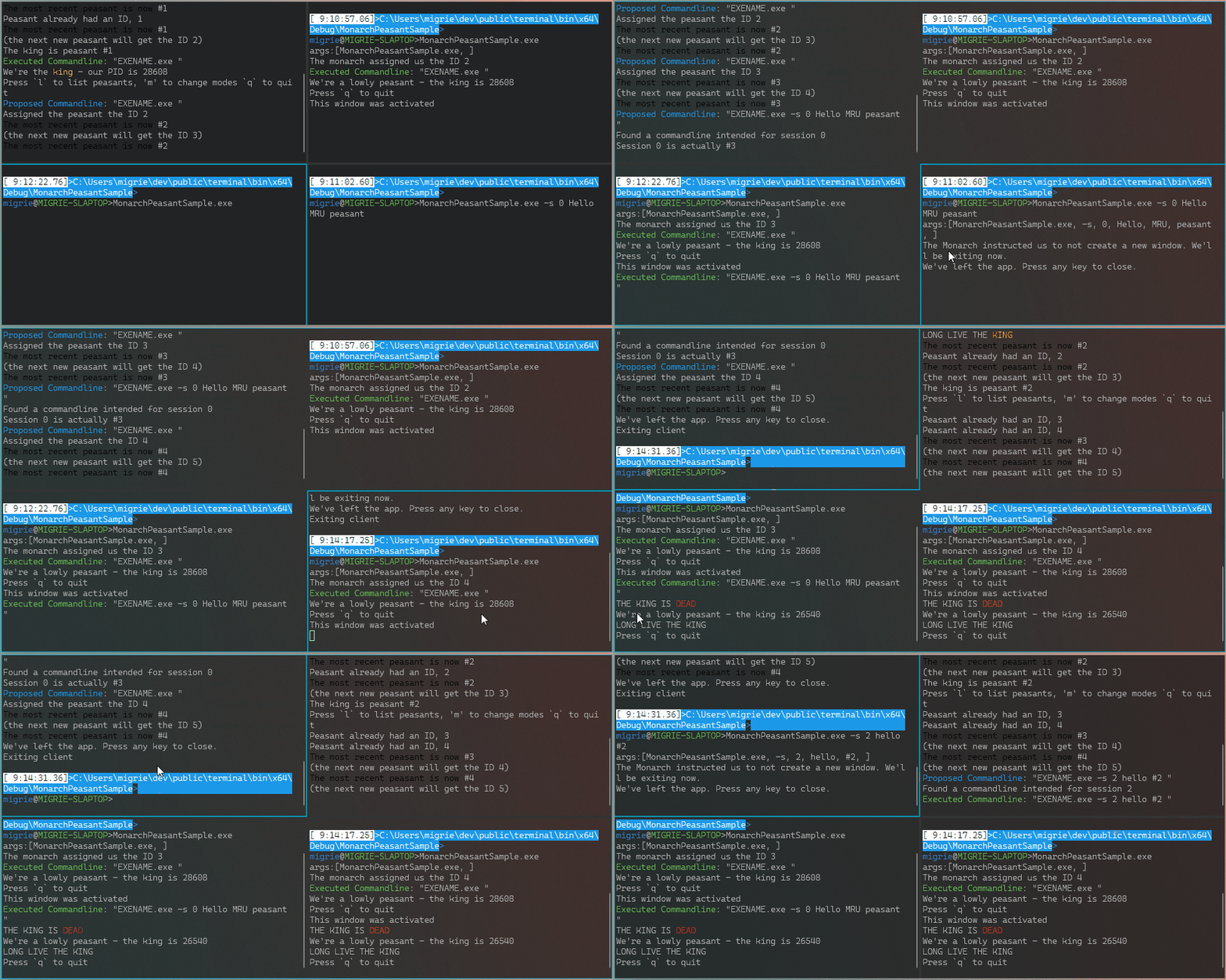
This sample operates largely by printing to the console, to help the reader
understand how it's working through its logic.
I'm doing this mostly so we can have a _committed_ sample of this type of application, kinda like how VtPipeTerm is a sample ConPTY application. It's a lot easier to understand (& build on) when there aren't any window shenanigans, settings loading, Island instantiation, or anything else that the whole of `WindowsTerminal.exe` needs
* [x] I work here
* [x] This is sample code, so I'm not shipping tests for it.
* [x] Go see the doc over in #8135


